Shoe catalogue API
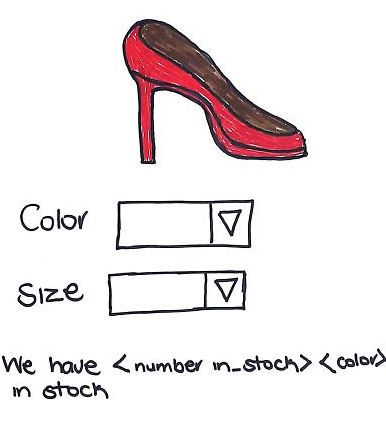
A friend of your brother is running a shoe shop and already have an online catalogue that allows people to check his stock. But he would like to make his inventory available to other systems. He heard about API’s and think that his shop will really benefit from having an API.
He watched these videos about API’s and are keen for you to create an API for his system.
There is also a Team Treehouse videos on creating a REST API using Express. Sweet!
He wants an API that can:
- List all shoes in stock
- List all shoes for a given brand
- List all shoes for a given size
- List all shoes for a given brand and size
- Update the stock levels when a shoe is sold
- Add a new new shoe to his stock.
Use the API
Update your uncles existing system to use this new API. To connect the existing system with the newly created API, you will need to use AJAX. Learn more about AJAX by watching this course on Team Treehouse.
Create this web application in a folder called
shoes_api. Add it to GitHub and deploy it to Heroku. Store your data using MongoDB & Mongoose.
API routes
The API should have these routes:
| HTTP Method | Route name | Description |
|---|---|---|
| GET | /api/shoes |
List all shoes in stock |
| GET | /api/shoes/brand/:brandname |
List all shoes for a given brand |
| GET | /api/shoes/size/:size |
List all shoes for a given size |
| GET | /api/shoes/brand/:brandname/size/:size |
List all shoes for a given brand and size |
| POST | /api/shoes/sold/:id |
Update the stock levels when a shoe is sold |
| POST | /api/shoes |
Add a new new shoe to his stock. |
Shoe records are stored like this:
var shoes = [
        {
            id : 100,
            color : 'blue',
            brand : 'Mike'
            price : 350,
            size : 7,
            in_stock : 5
        },
        {
            id : 101,
            color : 'green',
            brand : 'Mike'
            price : 350,
            size : 8,
            in_stock : 5
        },
        {
            id : 123;
            color : 'orange',
            brand : "Abi"
            price : 275,
            size : 5,
            in_stock : 3
        }
];